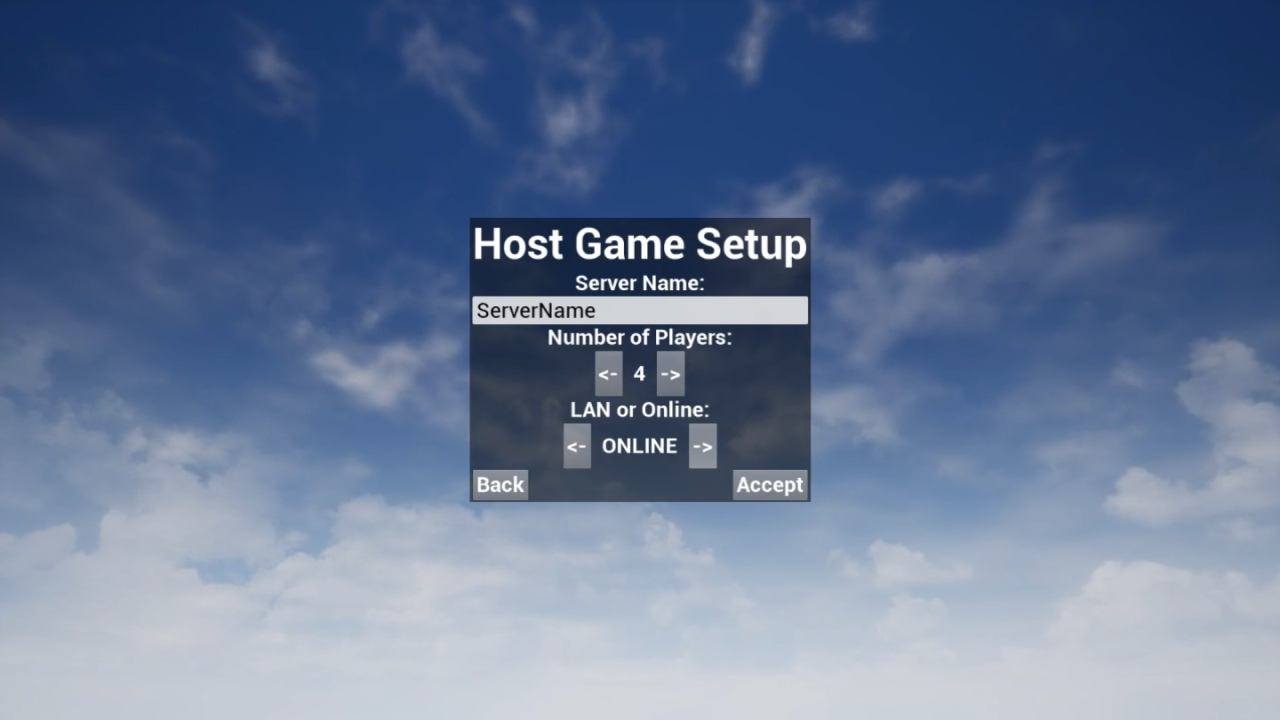
Here I host a game session and invite myself on my laptop through Steam to join and play.
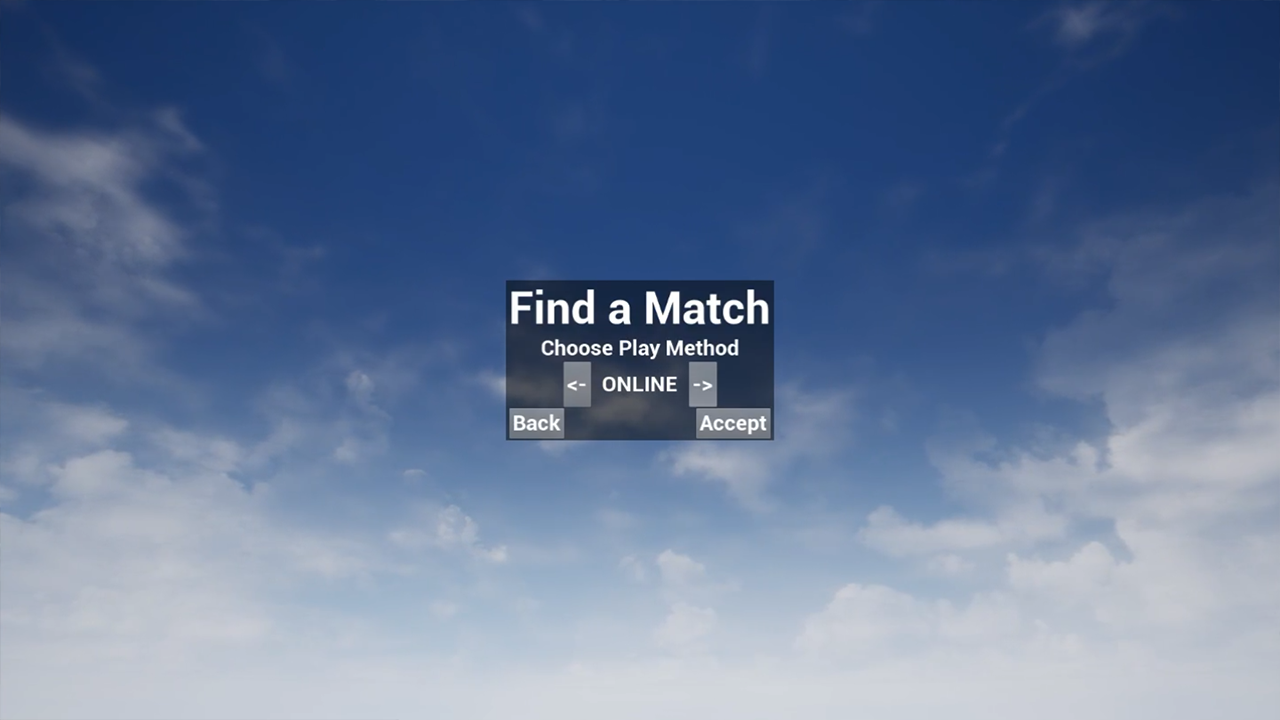
Here I join a game session that my laptop is hosting to play in using the join match functionality.
Description
During the Summer of ’21 after finishing up some other school- and hobby projects, I was on the lookout for the next topic to delve deep into. Since most of my recent work existed out of extensions to already existing projects of mine, I wanted to try something new.
“Online Multiplayer” is very common and needless to say a feature most of the consumers expect, though it is not always as obviously easy to implement. To start from scratch in a more low-level implementation seemed too specific to me, which is why I decided to use an existing framework. With Epic Games’ new Unreal Learning platform and Unreal courses on YouTube, I picked one up about online multiplayer and used that as the base for my project (see credits). Not a lot of time later and I had a working online multiplayer demo and learned a lot about what comes to peek when switching from a local game to an online one.
Menu's & Connection Setup
The first part of this demo is more UI-related and getting to work with the Unreal system as well as creating a game mode class and a player controller for main menu functionality. This is also the part where some basic information like your name and avatar, which would be linked to Steam, in this case, thanks to the Advanced Sessions Plugin (see credits), would be displayed. Here is where you get the option to host or join a game as well. The actual “code” for what they call a “session” is built-in and easy to implement. The trickier part here is the design behind what functions are meant to run on the owning client, and which ones run on the server. For example, stuff like UI cannot run on the server and is always on the owning client. Some variables might need to be replicated or stored in a way to advance later etc. Misusing these concepts can definitely make the whole process a lot buggier.
Host Game Menu
Find Game Menu
Lobby & Game Settings
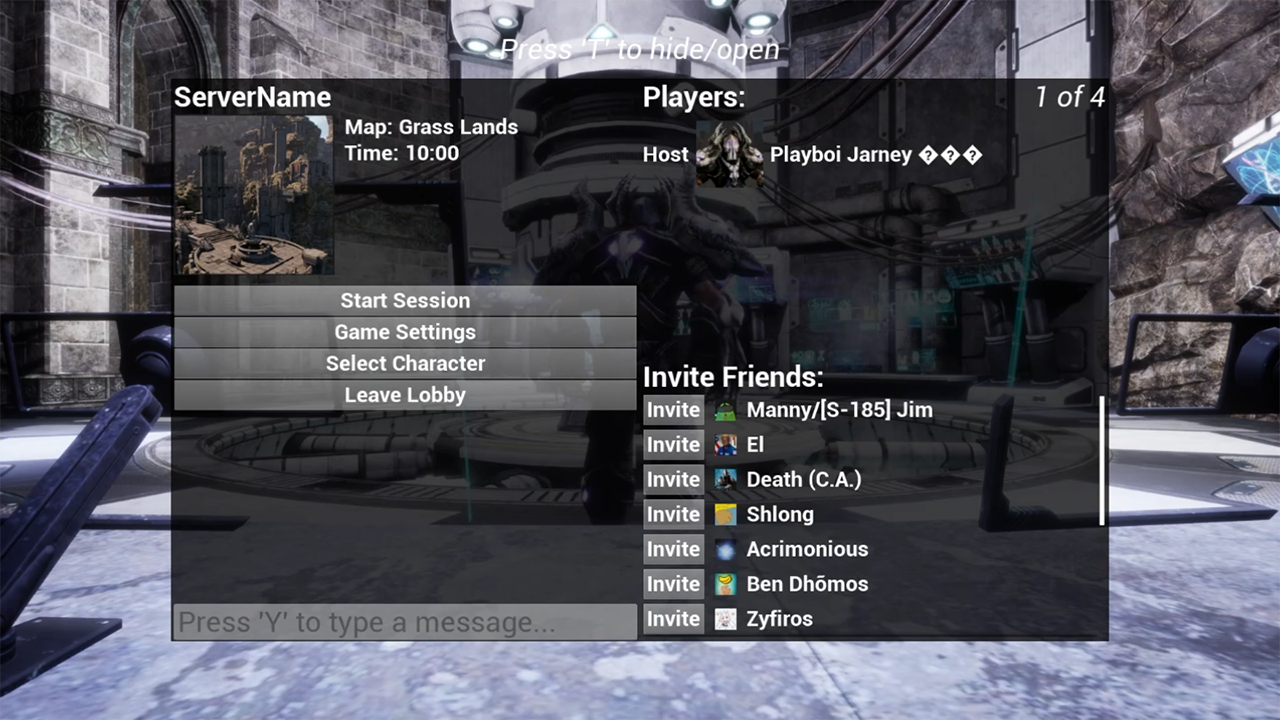
In the second part, there’s an existing session with players ready to join and game settings ready to be set. Other players can try and find an existing game session and join it if found through the main menu. As an addition to Unreal’s course, I added functionality to invite players to the session through the Steam invite system (thanks to the Advanced Sessions documentation). It’s possible to kick players as well or to make the clients respond to unforeseen server issues, returning them to the main menu. If all goes well though, everyone can pick their unique character and the host can choose a map to play on. There’s the possibility to chat in the lobby or close the lobby screen and run around on an interactive level as you wait for the game to start.
Lobby Menu
Lobby
Game
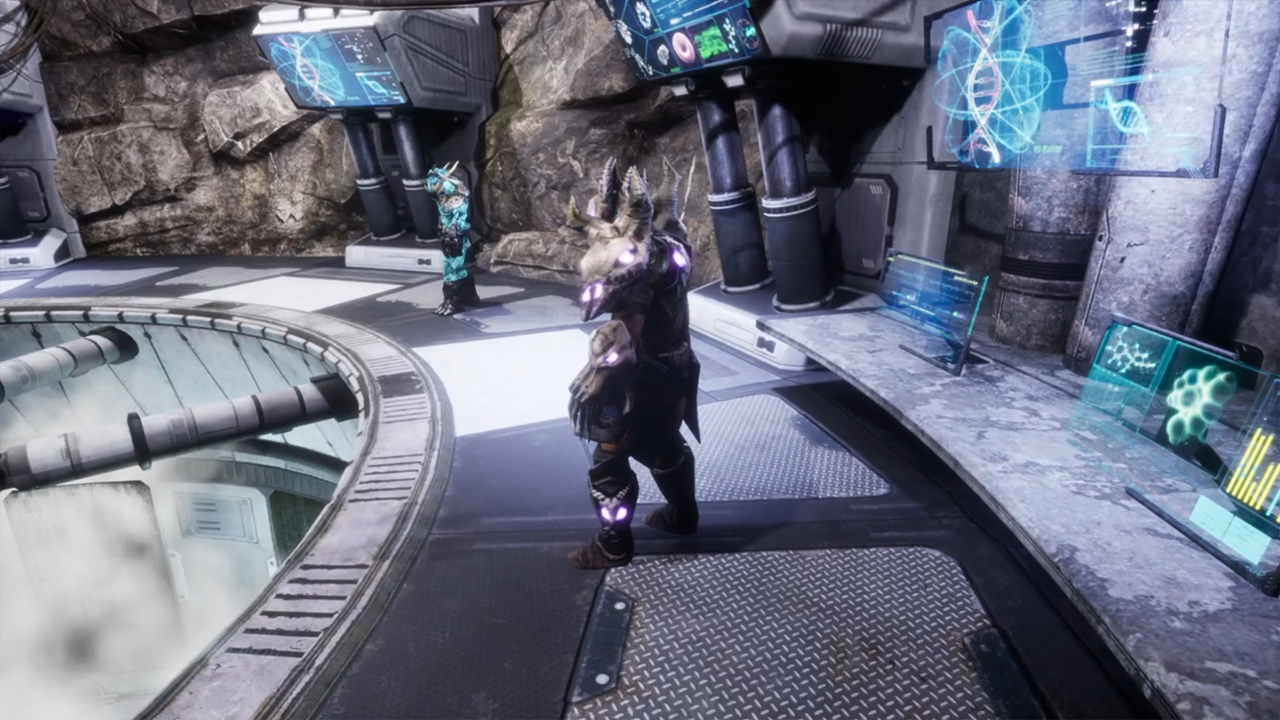
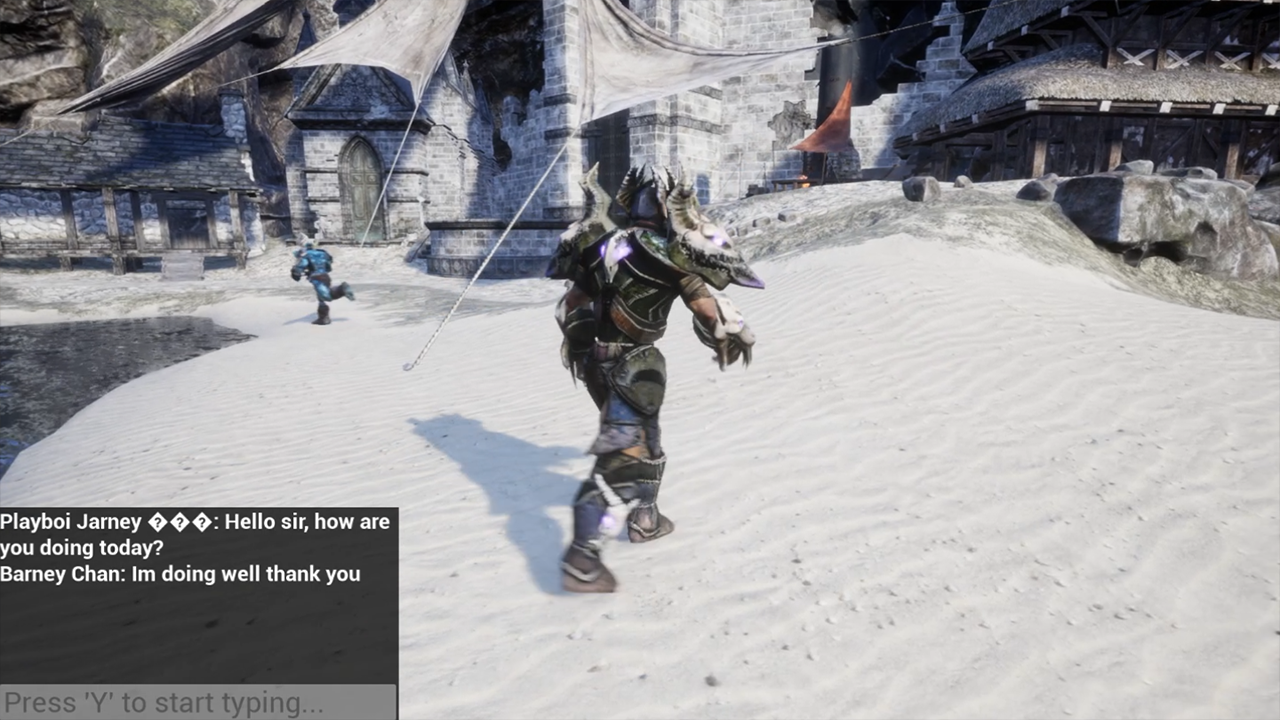
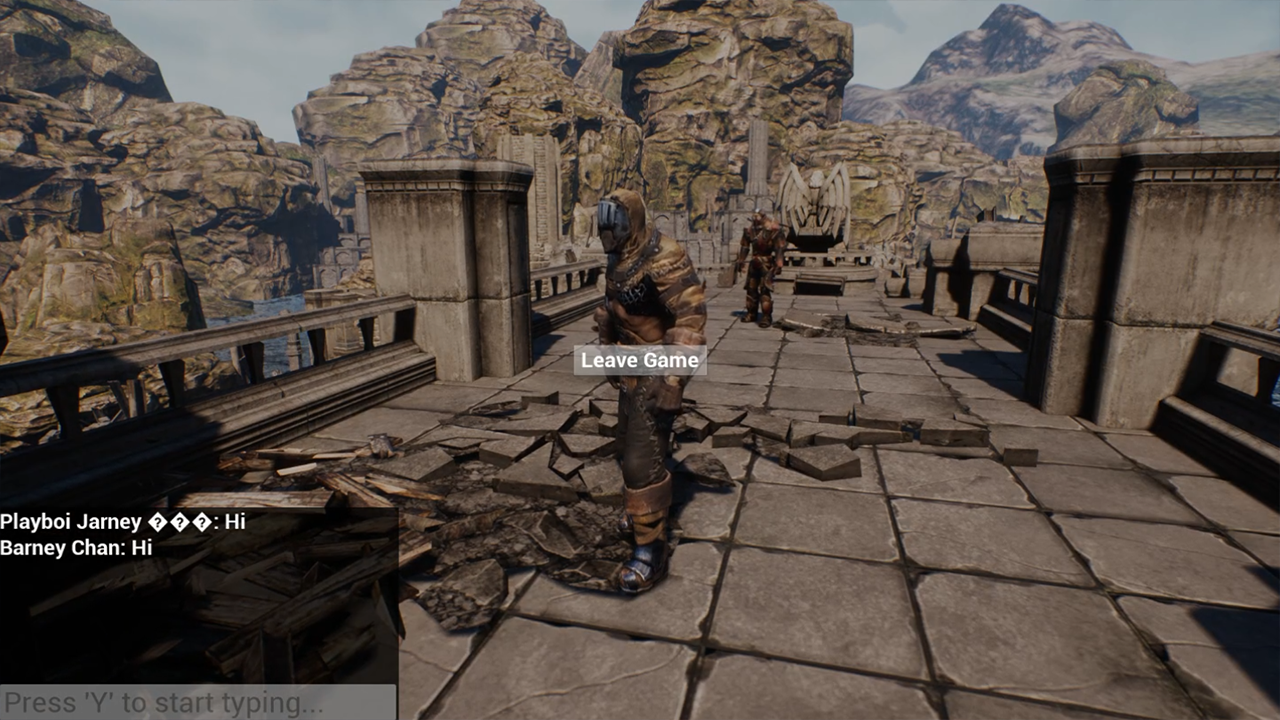
For the last part, there’s unfortunately no real full fledged game to play here. The goal for me was to get familiar with online multiplayer and what it takes to make that switch. So instead I downloaded some free Epic Games assets from the marketplace and made it possible to run around in some cool environments and added a chat to use as well. Mainly all my assets used in every part of this demo came from the same “Infinity Blade” collection (see credits). At last there’s functionality to escape the game and return to the main menu, to have a more consistent and finished loop to this demo.
Hideout Environment
Grass Lands Environment
Future Expansions
Instead of the current walking simulator I created, it would be more fun to introduce actual game mechanics to the demo. As a kid, I remember playing Unreal Tournament 2004 as one of my first PC games, so I’m working on turning this into a similar free-for-all shooter in big environments. I’m delving a bit deeper into the actual replication system and learning more specifically about what game logic should live on the server and what on the client, and what variables need to be replicated to simulate this shooter. To be continued.